> For the complete documentation index, see [llms.txt](https://docs.agentnoon.com/llms.txt). Markdown versions of documentation pages are available by appending `.md` to page URLs; this page is available as [Markdown](https://docs.agentnoon.com/admin-capabilities/overview-3/fields.md).
# Fields
Configuring field groups, visibility, duplication, and dropdown values
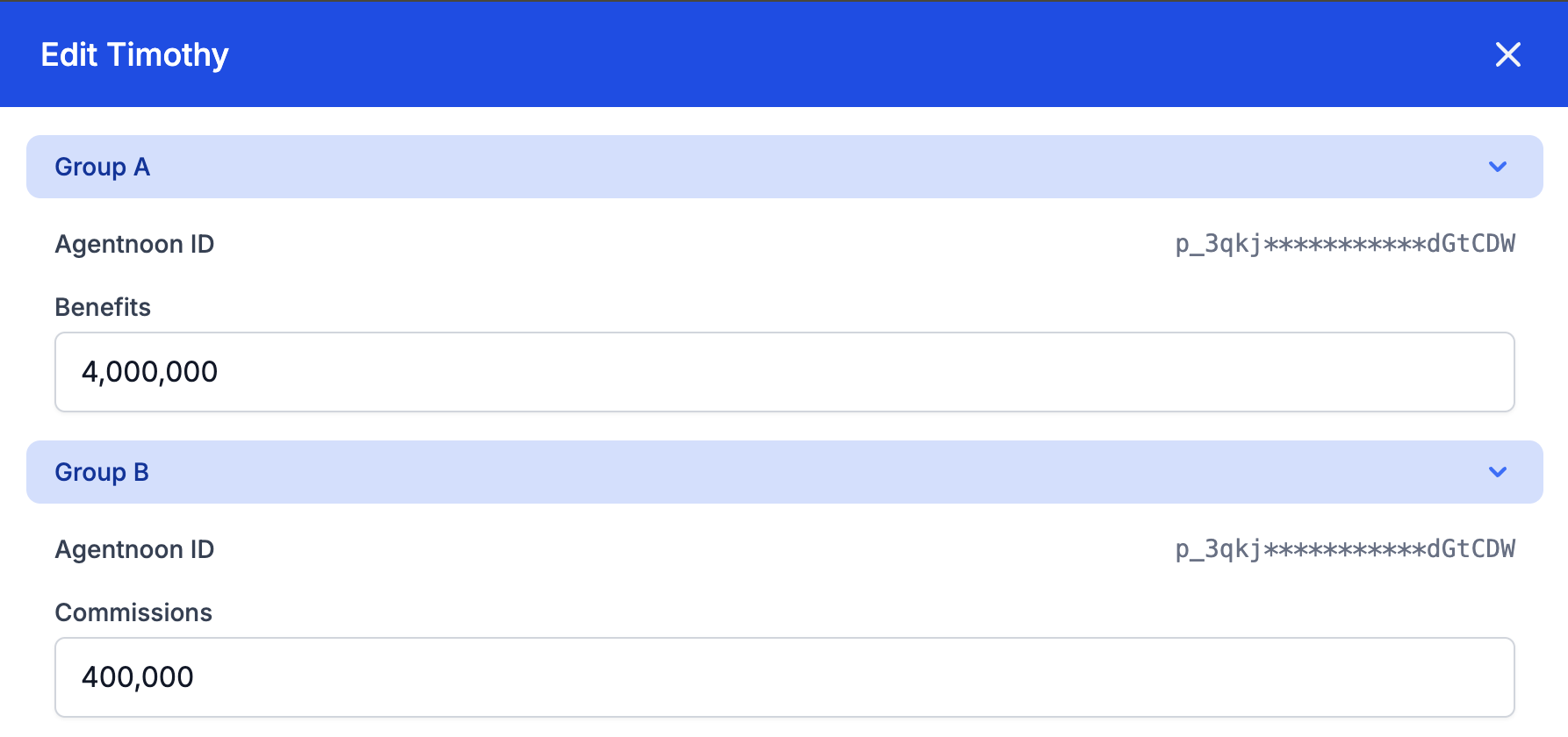
### Overview
This guide explains how to manage field settings in Agentnoon, including creating field groups, enabling or disabling fields, setting up auto-duplication, and using restrictive values.
### Creating Field Groups
1. Navigate to **Field Settings**.
2. Create a **new group** and assign fields to it.
3. Grouping fields helps organize the edit sidebar based on groups, improving workflow efficiency
### Enabling or Disabling Fields
1. Toggle **on or off** specific fields to control visibility.
2. Disabled fields will not appear in:
* Org charts
* Card content
* Filter menus
* Hub charts
3. This ensures users only see relevant fields in the platform.
### Setting Up Auto-Duplication
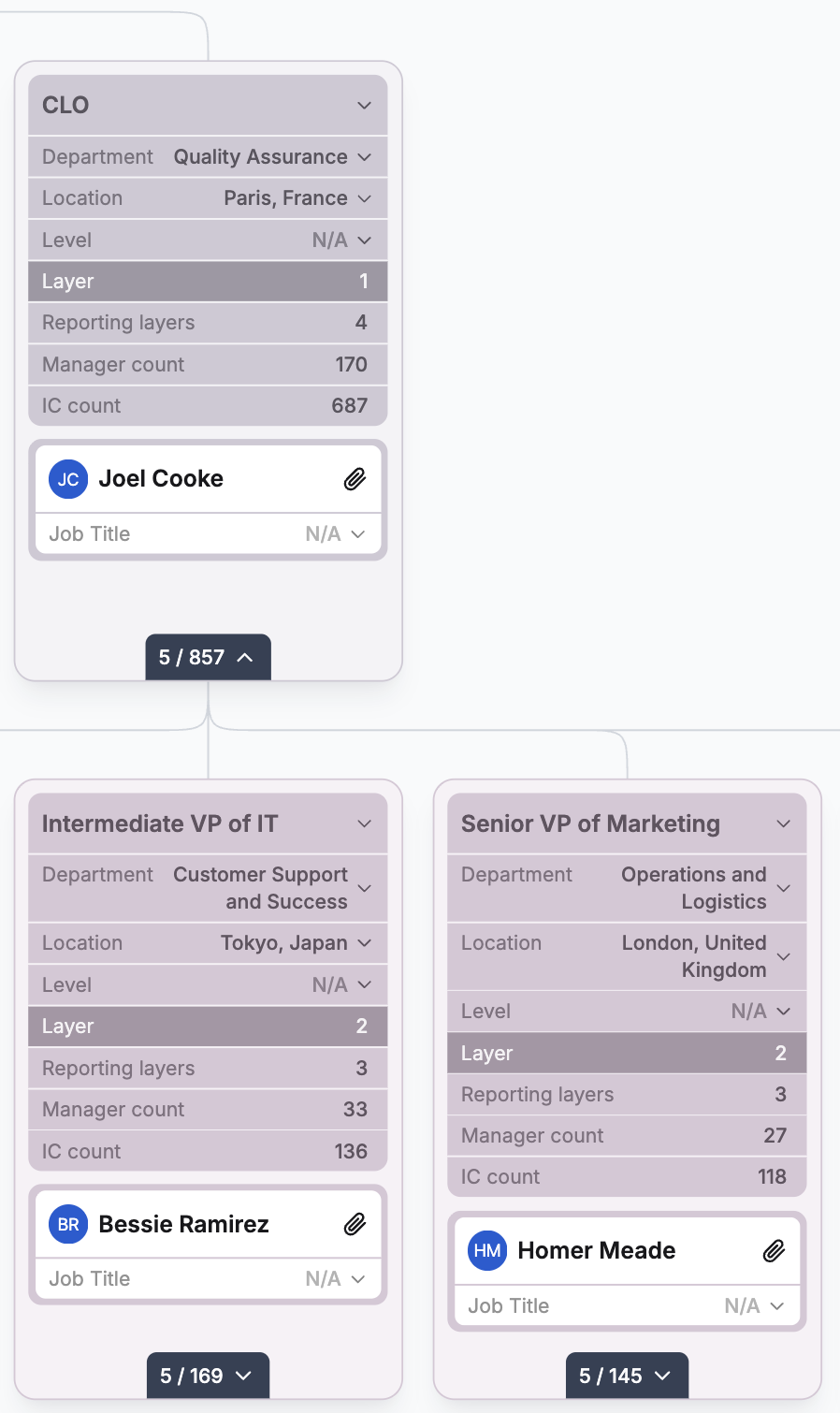
1. Select which fields should **auto-duplicate** when copying positions or creating new direct reports under a Manager in the org chart.
2. Enabled fields will be copied automatically, while others require manual input and will be blank by default
3. This feature is useful when creating multiple similar roles or wanting to carry over fields from a Manager when creating direct reports (e.g., Manager and Direct Report should have the same department)
### Using Restricted Values
1. Instead of allowing free-form text, enable **drop-down lists** with predefined values.
2. Users will only be able to select from these fixed options.
3. Helps maintain data consistency and prevents unnecessary variations in field values.
4. Admins still have the ability to add free form text if they prefer
Proper field management ensures structured data input, controlled visibility, and efficient org chart operations in Agentnoon.
## Visual Guide
---
# Agent Instructions
This documentation is published with GitBook. GitBook is the documentation platform designed so that both humans and AI agents can read, navigate, and reason over technical content effectively. Learn more at gitbook.com.
## Querying This Documentation
If you need additional information that is not directly available in this page, you can query the documentation dynamically by asking a question.
Perform an HTTP GET request on the current page URL with the `ask` query parameter, and the optional `goal` query parameter:
```
GET https://docs.agentnoon.com/admin-capabilities/overview-3/fields.md?ask=&goal=
```
`ask` is the immediate question: it should be specific, self-contained, and written in natural language.
`goal` is optional and describes the broader end goal you are ultimately trying to accomplish on behalf of the user. GitBook uses it to tailor the answer towards what is most useful for that goal.
The response will contain a direct answer to the question and relevant excerpts and sources from the documentation.
Use this mechanism when the answer is not explicitly present in the current page, you need clarification or additional context, or you want to retrieve related documentation sections.